This article comes from your local D1 database. Use this page to preview typography, spacing, images, tables, and navigation in light and dark themes.
Text and typography
A regular paragraph can contain bold text, italic text, bold italic text, deleted text, and inline code. Compare their weight, color, and spacing within the same sentence.
This is a second paragraph with enough text to wrap across several lines on a narrow screen. Resize the browser to check reading width and line height. Long content should remain readable without pushing the article outside its column.
This line is followed by a line break.
This sentence should start on the next line.
Special characters: © ™ → ← & < >. Escaped Markdown: *literal asterisks* and `literal backticks`.
Heading hierarchy
Third-level heading
A subsection groups related information and should appear indented in the table of contents.
Fourth-level heading
Use smaller headings to split a longer explanation.
Fifth-level heading
A compact heading for additional detail.
Sixth-level heading
The smallest supported heading level. The page title remains the only H1.
Lists
Unordered and nested lists
- Design
- Typography and spacing
- Light and dark themes
- Content
- English articles
- Chinese articles with the same slug
- Publishing
- Preview locally before rebuilding the static website
Ordered list
- Open the local database viewer.
- Edit the article content.
- Save your changes.
- Synchronize the content snapshot.
- Refresh the browser and check the result.
Quotes
A quote should be visually distinct from the surrounding paragraphs.
It can contain emphasis, a link to the blog, and multiple paragraphs.
A nested quote demonstrates the second indentation level.
Links and images
Visit the blog archive or return to Text and typography. A reference-style link also works: Blog archive.
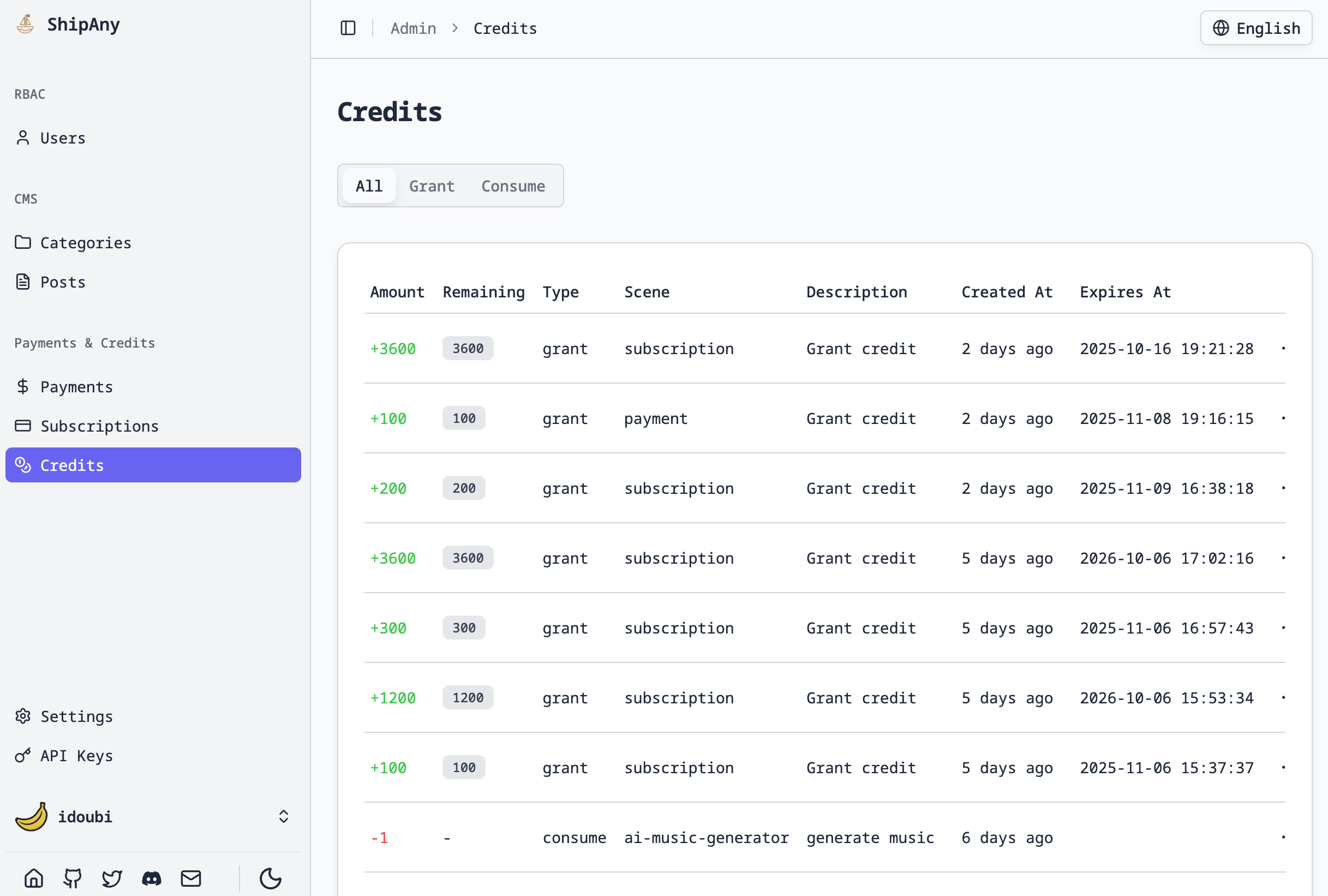
Image caption: check the image width and rounded corners on desktop and mobile.
A small image tests intrinsic sizing:
Tables
| Format | Example | Alignment |
|---|---|---|
| Plain text | Preview | 1 |
| Bold | inline code |
20 |
| Link | 中文 / English | 300 |
A wider table helps check horizontal scrolling on small screens:
| Article | Language | Status | Category | Author | Published at |
|---|---|---|---|---|---|
| A practical guide to local database previews | English | Published | Guides & Tutorials | D1 Demo | 2026-10-08T10:00:00.000Z |
| 多语言文章排版与静态发布示例 | 中文 | Draft | Product Updates | 演示作者 | Not scheduled |
Code blocks
TypeScript
interface Article {
  title: string;
  locale: 'en' | 'zh';
}

const article: Article = {
  title: 'Hello Cloudflare D1',
  locale: 'en',
};
console.log(article.title);
Shell
pnpm db:studio
D1_TARGET=local pnpm db:sync
JSON
{
  "slug": "rendering-preview",
  "locale": "en",
  "status": "draft",
  "categories": ["guides"]
}
Plain text and long lines
A plain text code block preserves indentation:
    child
        grandchild
A deliberately long line for horizontal scrolling: /articles/rendering-preview/sections/typography/tables/code-blocks/images/links/nested-lists/end
Horizontal rule
The rule below separates two sections.
Content continues after the rule.
Repeated headings
Example
The first heading receives its own anchor.
Example
The second heading has a distinct anchor. Click both entries in the table of contents to verify navigation.
Supported format boundaries
D1 articles use Markdown rather than MDX. Tables and strikethrough are supported. Task checkboxes, footnotes, math formulas, Mermaid diagrams, and JSX components are not enabled by the current renderer. Code blocks preserve formatting but do not currently apply syntax highlighting.
Raw HTML is displayed as text rather than executed: <strong>HTML example</strong>.
Local development
Your data stays on this machine. After editing the database, run D1_TARGET=local pnpm db:sync to refresh the development preview. Rebuild and deploy the static website to publish changes.